Virelloxar
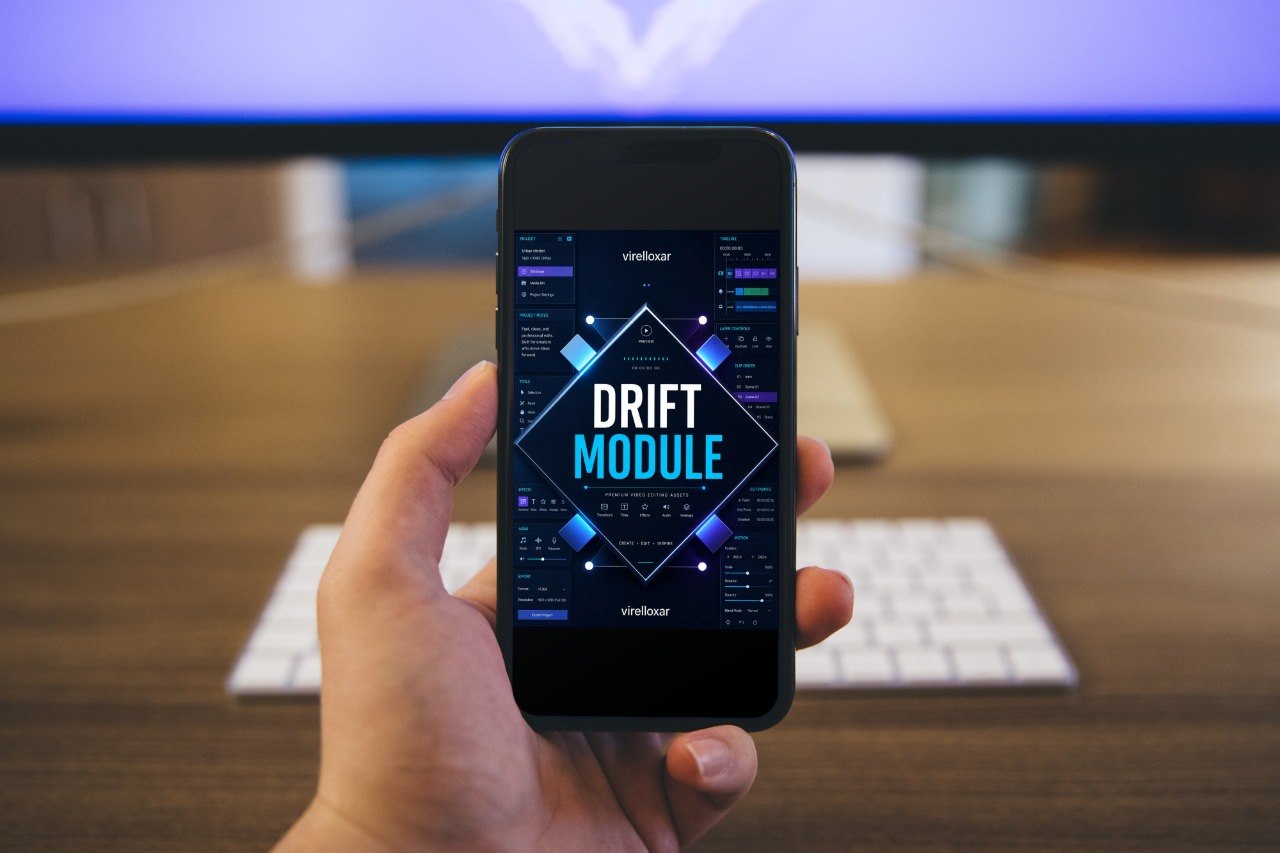
Drift Module
Drift Module
Couldn't load pickup availability
- 💾 Digital file available after purchase
- 🗂️ Long-term availability
- 🛡️ Secure checkout
- 🔄 Content updated in 2026
Self-paced learning overview
1. Problem Statement
As learners continue practicing video editing, they often notice that a project can look organized but still feel slightly off. Scenes may be placed in a clear order, yet the movement between them can feel too sudden, too slow, or visually confusing. This often happens when the edit does not guide the viewer’s attention from one moment to the next. Learners may also struggle with deciding when to hold a shot, when to cut away, and when to let motion carry the sequence forward. Drift Module is designed for learners who want to understand these in-between moments with more detail.
2. Solution
Drift Module helps learners study editing through movement, direction, and controlled pacing changes. The course explains how visual motion can lead the viewer through a sequence and how timing can support a smoother viewing path. Learners explore how scenes can shift gradually, sharply, or calmly depending on the purpose of the edit. The materials also show how to review scene movement and adjust sections that feel unclear or uneven. This tier supports a more careful approach to editing where every shift has a reason.
3. What’s Inside
Inside Drift Module, learners begin with the idea of visual direction. The course explains how movement inside a shot can influence the next editing choice. A subject moving across the frame, a camera movement, a hand gesture, or a change in focus can all become useful points for scene connection.
The next section focuses on timing shifts. Learners study how an edit can move from calm to active, active to quiet, or simple to detailed without feeling forced. The materials explain how clip length, movement speed, and scene order work together to shape the viewing rhythm.
Drift Module also introduces the idea of controlled imbalance. Not every edit needs to feel completely smooth. Sometimes a sharper cut, a sudden pause, or a visual contrast can create interest when used with intention. Learners study how to recognize the difference between an intentional shift and an accidental rough point.
Another part of the tier focuses on scene direction. Learners explore how one moment can point toward the next through action, mood, subject, or visual detail. This helps create edits that feel guided rather than assembled at random.
The course also includes review exercises for motion and pacing. Learners are encouraged to watch their edits while focusing only on movement, then again while focusing only on timing. This helps separate different editing decisions and makes the review process clearer.
4. Who is this for?
Drift Module is for learners who already understand basic sequence structure and want to study movement in more detail. It is suitable for creative learners, hobby editors, and students who want their edits to feel more connected from scene to scene. This tier is especially helpful for anyone who notices that their edits feel jumpy, flat, or unclear during transitions between moments.
5. What You’ll Learn
- How movement inside a clip can guide editing decisions
- How to connect scenes through direction, action, and visual rhythm
- How timing shifts affect the feeling of an edit
- How to use contrast without making a sequence feel confusing
- How to identify rough movement between scenes
- How to review an edit by focusing on motion separately from structure
- How to use pauses and sharper cuts with intention
- How to shape a more guided viewing path from one moment to another
6. Guarantee
- 30-day money back
- Risk-free
Share
Who are these courses made for?
Who are these courses made for?
The courses are made for beginners, hobby learners, creative students, and anyone who wants to study video editing in a more organized way. Some tiers start with simple ideas, while later tiers explore deeper structure, visual review, and project refinement.
What exactly is included?
What exactly is included?
Each course tier includes structured learning materials based on the topic of that tier. Depending on the course level, materials may include written lessons, modules, checklists, project planning notes, editing review prompts, workflow examples, and practical study resources.